Apply the change at the display
Use the display gamma table rather than continuously drawing an overlay.
Precise display warmth that follows the sun, or your schedule. Screen Mercy reduces blue-heavy evening light for greater eye comfort while keeping everything local: no outbound network calls, and your location never leaves your Mac.
My role Product design, native macOS engineering, licensing, and operations
Visit Screen Mercy (opens in a new tab)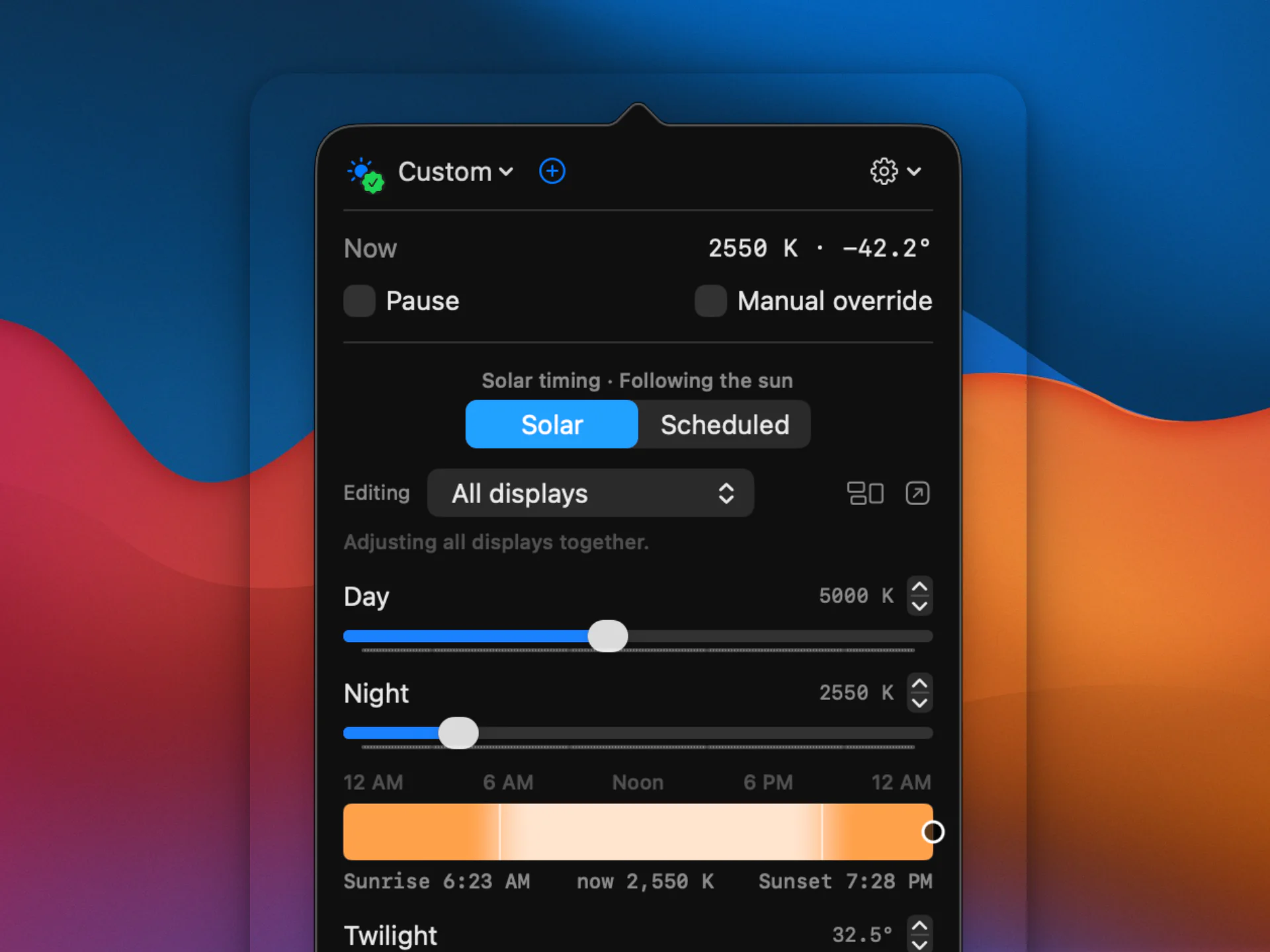
Overview
I was unsatisfied with Night Shift’s options, unimpressed with the alternatives, and tired of display comfort being treated as a checkbox buried inside applications trying to manage twenty other things.
I wanted one utility that cared obsessively about this one problem: how my displays should feel from morning through night, how smoothly they should change, what should happen across multiple monitors, and whether everything returned to the right state after sleep, reconnection, or an override.
So I made it.
Then I quietly used it for months.
I eventually noticed something important: I loved the thing. It was making my computer more comfortable every day, and because it worked the way I wanted, I barely had to think about it anymore. At that point, keeping it to myself started to seem a little silly.
The name began as a joke: “May God have mercy on your eyeballs.” It stuck.
Behind that simplicity
Screen Mercy is intentionally small. Most of the engineering went into making sure it behaves predictably without asking for attention.
Use the display gamma table rather than continuously drawing an overlay.
Solar calculations happen locally; coordinates aren’t sent to a Screen Mercy service.
Sleep, reconnection, app exceptions, overrides and quitting all have defined restoration behavior.
Screen Mercy makes one kind of outbound request: license activation. That check lets the service validate the license and register the device being activated.
Everything else—the display behavior, scheduling, solar calculations, and location data—stays on the Mac.
Technical notes
Further reading
Release notes, engineering decisions, experiments, and occasional writing about display comfort and macOS.
Read the Screen Mercy blog (opens in a new tab)